
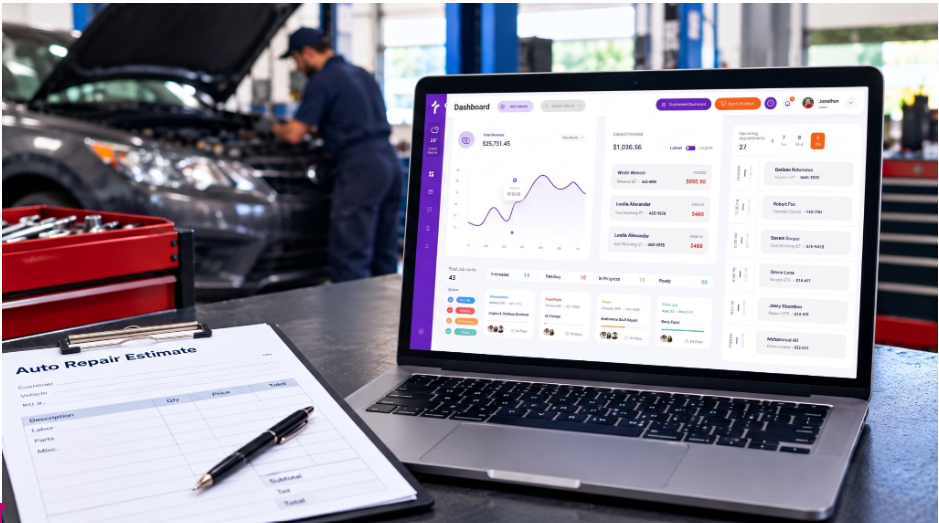
Auto repair shops handle multiple tasks every day, from checking vehicles and calculating repair costs to preparing estimates and getting customer approvals. Managing these tasks manually can take time and increase the chances of errors. Auto repair estimate software helps shops prepare accurate estimates, organize repair details, and communicate costs clearly with customers.
Modern estimating tools also help technicians and service advisors manage parts, labor, taxes, and other expenses in one place. By reducing paperwork and manual calculations, shops can improve their workflow and focus more on completing repairs efficiently.
What Does Auto Repair Estimate Software Do?
Auto repair estimate software helps service advisors create detailed repair estimates based on a vehicle’s condition and required services. Instead of calculating every cost manually, users can add parts, labor, taxes, and additional charges to generate a professional estimate.
Many systems also support vehicle identification, digital inspections, and electronic approvals. These features help shops maintain organized records and keep customers informed before repair work begins.
What Should an Auto Repair Estimate Include?
A professional auto repair estimate should explain the recommended work and its expected cost. It should include the following details:
- Customer and vehicle information: Customer name, contact details, vehicle make, model, year, and VIN or license plate information.
- Parts and services: A clear list of replacement parts and recommended repair services.
- Labor costs: Estimated labor hours and the applicable labor charges.
- Taxes and additional expenses: Any relevant taxes, fees, or other costs associated with the repair.
- Total estimated cost: A breakdown of expenses and the final expected amount.
- Customer approval: A way for customers to review the estimate and approve or decline the proposed work.
Providing these details helps customers understand the repair process and make informed decisions before authorizing service.
Key Features That Support Modern Auto Repair Shops
Vehicle Identification and Parts Pricing
Vehicle lookup tools help staff identify vehicles using information such as a VIN or license plate. Access to parts and labor pricing can also help service advisors prepare estimates with fewer manual calculations.
Digital Vehicle Inspections
Digital vehicle inspection tools allow technicians to document vehicle conditions using photos, videos, and notes. These details can be added to estimates to help customers understand why specific repairs may be recommended.
Digital Estimate Approvals
Sending estimates through text messages or email allows customers to review repair recommendations remotely. Digital approval options can reduce delays caused by phone calls or in-person follow-ups.
Repair Orders and Invoicing
Connecting estimates with repair orders and invoices helps shops carry approved repair details through the next stages of service. This can reduce repeated data entry and keep customer and vehicle records organized.
Estimating Software Integration with Epicor
Auto repair estimate software builds the foundation for your shop’s workflow, and Epicor supports this process by providing labor guides and repair information that help service advisors prepare accurate estimates. Torque360 integrates directly with Epicor to help shops access labor data, calculate repair costs, and include relevant labor details when creating estimates. This integration helps keep estimates organized, supports consistent pricing, and makes it easier to move from initial cost calculations to approved repair work.
How Estimating Software Helps Manage Repair Work
Reduce Manual Work
Automated calculations for parts, labor, and taxes can reduce repetitive tasks and help staff prepare estimates more efficiently.
Keep Records Organized
Storing estimates digitally makes it easier for staff to access customer details, vehicle information, and previous repair records when needed.
Improve Customer Communication
Clear estimates and digital approval options help customers understand proposed repairs and make decisions without unnecessary delays.
Track Repair Approvals
Staff can review estimated status and identify which jobs are approved or still awaiting a customer response, making it easier to plan upcoming work.

How to Choose the Right Auto Repair Estimate Software
Before selecting software, consider how well it fits your shop’s daily workflow and business needs.
- Integration capabilities: Look for tools that connect estimates with inspections, repair orders, invoicing, and customer records.
- Ease of use: Choose a system your service advisors and technicians can learn without unnecessary complexity.
- Pricing and value: Compare subscription costs with the time saved and the features your shop will actually use.
- Customer communication: Consider whether the software supports sharing estimates and collecting approvals through text or email.
- Training and support: Make sure your team can get the guidance needed to use the system effectively.
Choosing software that matches your workflow can help your shop manage estimates more consistently as the business grows.
Ready to Improve Your Auto Estimating Process?
If you’re still preparing estimates by hand, you may be wasting time and making mistakes. Auto repair estimate software helps you create estimates, manage costs, and get customer approvals more easily. Torque360 brings estimates, digital inspections, repair orders, and invoicing together in one place. Upgrade your process and make daily shop work simpler.
Having these tasks connected in one platform can help automotive businesses maintain a more organized process from inspection to payment.
Final Thoughts
Auto repair estimate software helps modern shops prepare clear estimates, manage repair information, and communicate costs with customers. The right system can reduce manual work, improve recordkeeping, and support a smoother repair process.
When comparing options, focus on the features that address your shop’s needs and fit your existing workflow.
