
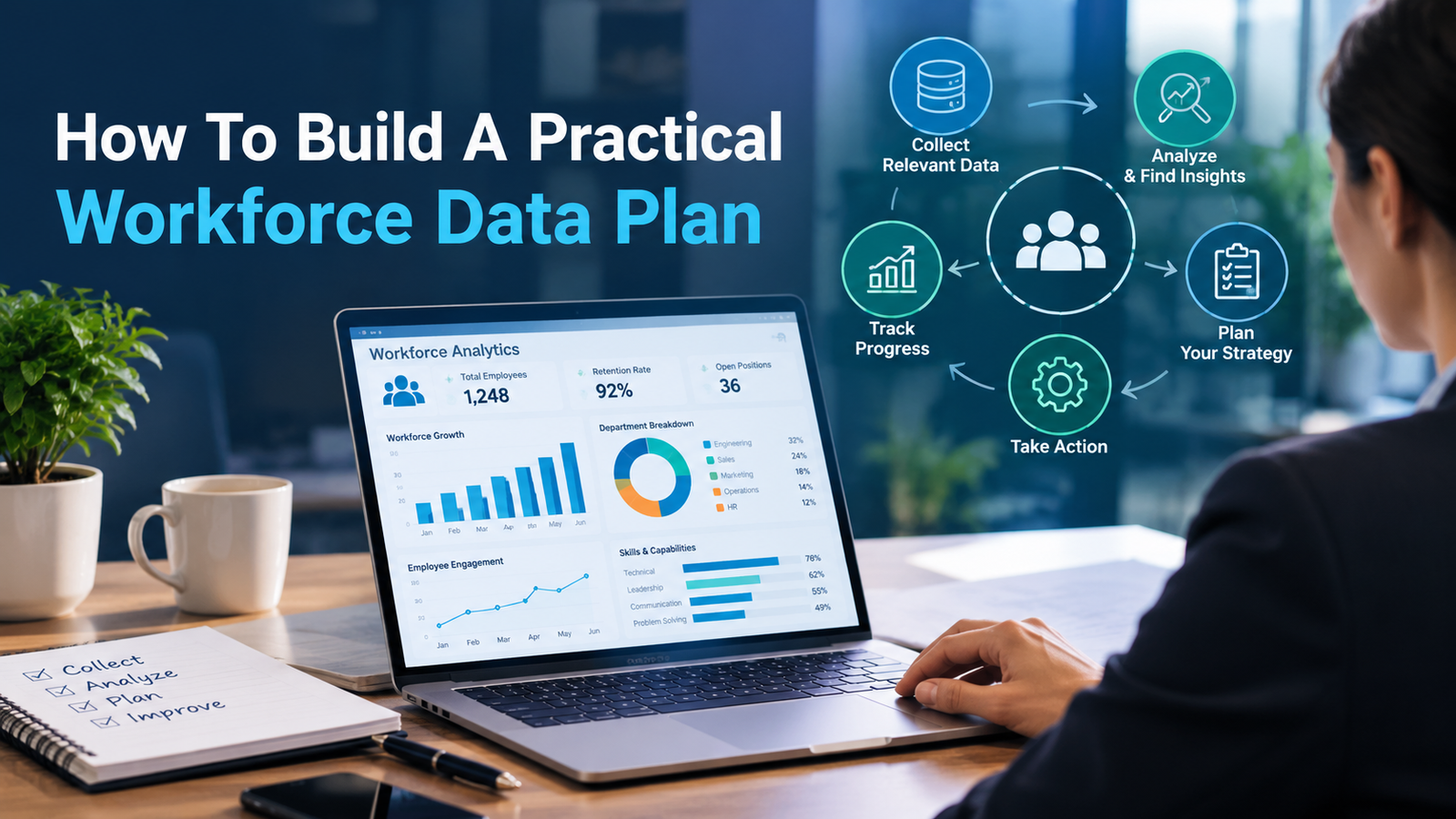
Key Takeaways
- Start with business decisions, not a long list of available data fields.
- Use shared definitions, clear ownership, and routine quality checks before expanding analytics.
- Protect sensitive workforce information with appropriate access controls and review processes.
- Focus dashboards on measures that can lead to a specific action.
- Begin with a focused pilot, then improve the plan based on real user feedback.
Table Of Contents
- Introduction
- Why Workforce Data Planning Matters
- What A Workforce Data Plan Includes
- Define The Business Questions
- Map Current Data Sources
- Set Data Standards
- Build Data Governance
- Choose Useful Metrics
- Use Analytics Responsibly
- Test And Improve The Plan
- Common Workforce Data Mistakes
- Questions To Ask Before Launch
- Conclusion
A practical workforce data plan helps an organization turn employee information into better decisions about staffing, budgeting, hiring, development, and retention. Whether information lives in payroll, scheduling, recruiting, or human capital management software, the goal is not simply to collect more data. The goal is to make reliable information available when leaders need to act.
A useful plan should balance operational value with privacy, accuracy, and employee trust. It does not need to begin as a major technology project. A clear set of questions, a limited group of measures, and accountable owners can create a strong foundation.
Why Workforce Data Planning Matters
Scattered reports and disconnected spreadsheets can make routine workforce questions difficult to answer. A company may know its total headcount while lacking a consistent view of open roles, overtime, critical skills, absences, or turnover by location. A data plan connects those details to decisions, such as where to hire, which teams need coverage, and where training may reduce risk.
What A Workforce Data Plan Includes
A workforce data plan is a written guide for collecting, managing, protecting, reviewing, and using workforce information. It should identify the business questions to answer, source systems and owners, shared definitions, update schedules, quality checks, access rules, approved reports, and dates for reviewing the plan. The document can be short, provided people can use it consistently.
Step One: Define The Business Questions
Begin with decisions rather than software features. Useful questions may include: Where will staffing needs increase in the next 12 months? Which roles are difficult to fill? Where are overtime costs rising? Which teams have higher early-tenure exits? What skills will be needed as work changes? Rank each question by business value, urgency, and feasibility. A smaller organization may be better served by answering three important questions well.
Step Two: Map Current Data Sources
Workforce information often sits in payroll tools, timekeeping systems, recruiting platforms, learning records, employee surveys, finance files, and local spreadsheets. Create a simple data map for each source that notes the data category, system location, business owner, update frequency, known quality issues, approved users, and retention expectations. Check for duplicate records, too. A legal name in one system and a preferred name in another can create reporting problems without a shared worker identifier.

Step Three: Set Data Standards
Shared definitions prevent teams from reaching different conclusions from the same report. Define terms such as active employee, open role, voluntary turnover, absence, and time to fill in a workforce data dictionary. Each entry should state the field or metric name, plain-language meaning, calculation method, source system, responsible owner, and important exceptions. The Education and Workforce Data Governing Board in Montana illustrates how data inventories, dictionaries, sharing procedures, and governance can support more consistent decision-making.
Step Four: Build Data Governance
Governance is the set of people, rules, and routines that keep information dependable and appropriately protected. Assign a data owner to approve use, a data steward to resolve quality issues, a system owner to manage the technology, and a privacy or compliance lead to review sensitive uses. Practical controls include role-based access, multifactor authentication, audit logs, secure file sharing, limited exports, and regular reviews of access permissions for confidential records.
Step Five: Choose Useful Metrics
A longer dashboard is not automatically a better dashboard. Select measures that answer a defined question and suggest a next step. Common categories include workforce size, vacancy rate, time to fill, offer acceptance, voluntary turnover, early-tenure exits, overtime, schedule coverage, training completion, certifications, and engagement trends. Review measures together rather than in isolation. For example, a lower turnover rate may require context if hiring has slowed or internal movement has changed.
Step Six: Use Analytics Responsibly
Separate Reporting From Decision Support
Reporting describes what happened. Analysis explores why it may have happened. Forecasting estimates what could happen next, while action planning determines an appropriate response. Each stage needs more judgment and stronger controls than the one before it. Data can identify patterns, but it cannot always explain the circumstances behind them.
Keep People In The Loop
Use human review when analytics influence decisions about hiring, promotion, compensation, scheduling, performance, or termination. Any AI-supported process should be documented, tested for potential bias, monitored over time, and limited to appropriate data. The AI risk management framework provides a useful model for considering trustworthiness and risk throughout an AI system’s design, use, and evaluation.
Step Seven: Test And Improve The Plan
Start with one business problem, team, or region. During days 1 to 30, select questions, map sources, and assign owners. During days 31 to 60, finalize definitions, clean priority data, and create a basic report. During days 61 to 90, test the report with users, document issues, and schedule the next review. Track data quality through missing values, duplicate records, late updates, inconsistent job titles, and unexplained changes in totals.
Common Workforce Data Mistakes
- Collecting data without a decision in mind.
- Using different definitions across departments.
- Building dashboards before addressing known quality problems.
- Leaving out contractors, temporary workers, or part-time employees when they matter to capacity.
- Providing broad access to sensitive records.
- Treating predictive results as final decisions instead of inputs for review.
- Measuring activity without considering the business outcome.
Questions To Ask Before Launch
- What decision will this information support?
- Who owns each important data set?
- Are key terms defined consistently?
- Which data is sensitive, and who needs access?
- How will errors be reported and corrected?
- What outcome will show that the plan is working?
- When will the plan be reviewed and updated?
Conclusion
A practical workforce data plan depends on clear questions, trusted definitions, responsible governance, and regular improvement. Begin with a manageable pilot, learn from the results, and expand only when the data and process are ready. Reliable workforce information can strengthen decisions, but it delivers the most value when paired with sound judgment and respect for the people represented in the data.

4 Comments
Pingback: Social Media Stuff Embedtree: Meaning, Features, Uses, and What You Should Know - Top Topics
Pingback: How to Pick Your First Prop Trading Firm: A Simple Checklist - Top Topics
Pingback: What Are the Top 10 Medications for Anxiety? A Comprehensive Guide - Top Topics
Pingback: StarTech.com 7 Piece Precision Screwdriver Computer Tool Kit: Features, Uses, and Buying Guide - Top Topics